Voice Enhancement
Clean and improve noisy recordings before they are published or reused in downstream workflows.
900 credits per minute of audio — A 4-minute recording costs 3,600 credits.
- Rounded up, with a one-minute minimum: a 10-second clip is billed a full minute.
- Uploads are capped at 50 MB.
What it looks like
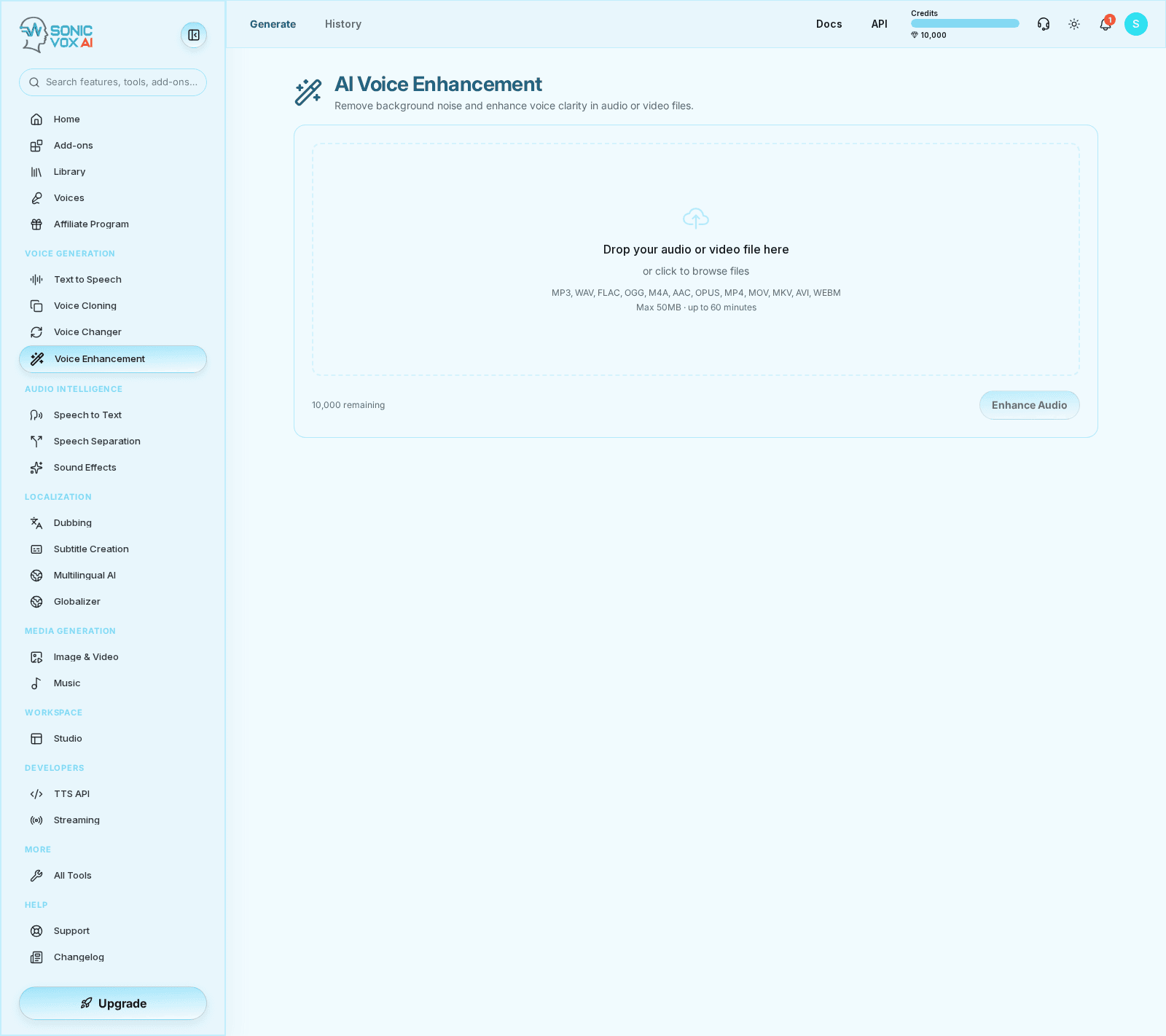
Overview
Voice Enhancement improves voice clarity and reduces unwanted artifacts so raw recordings can move into publishing, transcription, or transformation workflows with higher confidence.
Quickstart
Upload a raw clip
Choose a recording that needs cleanup, restoration, or loudness balancing.
Run enhancement
Generate the processed result and compare it with the original before exporting.
Use the improved file elsewhere
Send the cleaned clip into STT, Voice Changer, Studio, or external delivery pipelines.
Settings
| Setting | Description | Values |
|---|---|---|
| Input clip | The original file to restore or polish. | — |
| History | Keeps side-by-side enhanced versions for QA review. | — |
Best practices
- Enhance before transcription when the original audio is noisy.
- Do not over-process archival audio without keeping the original source nearby.
FAQs
What kinds of noise can it remove?
Anything that isn't voice — café chatter, wind, traffic, music, tape hiss, room hum, electrical buzz, AC, and crowd noise. One model handles every kind of background noise.
What am I allowed to upload?
Only audio you own or have the speaker's consent to process — our Acceptable Use Policy prohibits processing recordings of others without authorization. If you believe audio was processed without permission, report it at /legal/voice-takedown and we'll review and remove it.
Will the voice still sound natural?
Yes. Unlike traditional denoising, SonicVox preserves the speaker's tone, breath, cadence, and presence. Listeners can't tell it's been processed.
What audio formats are supported?
MP3, WAV, FLAC, OGG, M4A, AAC, AIFF — plus video files (the cleaned audio is muxed back in). Up to 50 MB per file.
Can it handle multi-speaker recordings?
Yes. Even with crosstalk and overlapping speech, voices stay intact and intelligible after enhancement. (To split overlapping speakers into separate tracks, use our Speech Separation feature.)
How fast is processing?
Quick — most clips finish in minutes. Files are processed one at a time, synchronously.
Can I hand off to my DAW?
Yes. Output is 16-bit PCM WAV (up to 48 kHz when super-resolution runs), ready for Pro Tools, Logic, Reaper, Audition, or any DAW.
Is there a free tier?
Yes — 10,000 free characters per month plus voice enhancement access. No credit card required.