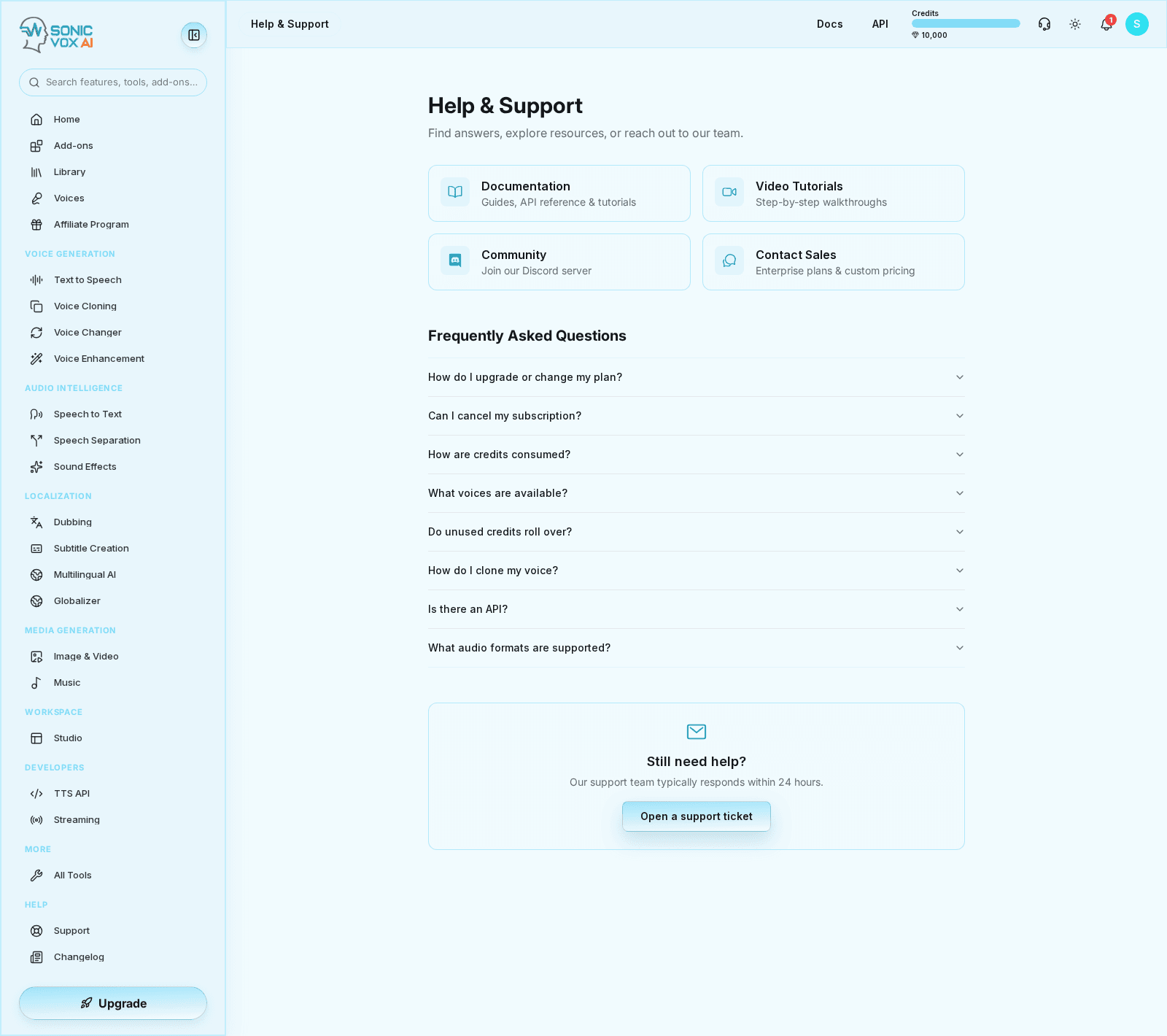
Frequently Asked Questions
Common questions about SonicVox and how to use the platform.
General
What is SonicVox?
SonicVox is an AI-powered voice platform for text-to-speech, voice cloning, sound effects, and building AI voice agents.
How do credits work?
Credits are used for generating audio. New users start with 10,000 credits. Different features cost different amounts.
What file formats are supported?
- Input: WAV, MP3, M4A/AAC, FLAC, OGG and WebM — anything your browser recognises as audio
- Output: MP3 by default. The download button on every player is a menu: MP3 (smaller file), WAV (uncompressed) or FLAC (lossless).
Voice Cloning
How long should my voice sample be?
About 10 seconds of clear, continuous speech. That figure comes from the engines: Signature states three seconds is enough, and Classic refuses anything outside 3–10 seconds and trims longer clips to the first 10. Recording more does not produce a better clone — it is simply discarded.
In the app the limits are a 3-second minimum and a 25 MB file cap. The API (POST /api/v1/voices) accepts 3–60 seconds, but on the Classic engine only the first 10 seconds are ever used.
Can I clone any voice?
You should only clone voices you have permission to use. This includes your own voice, voices with consent, or royalty-free samples.
Why does my cloned voice sound different?
Cloning works best with clear, high-quality recordings. Background noise, music, or multiple speakers reduce quality.
Text-to-Speech
Why is my audio generation slow?
Generation typically takes 5-30 seconds depending on text length. High traffic may increase wait times.
Can I use generated audio commercially?
On the Creator plan and above, yes — commercial use is included. Free and Starter output is for evaluation and personal projects only. (MINIMUM_PLAN_FOR_FEATURE.commercialLicense is enforced in the app, so the entitlement matches what your plan page shows.)
How do I improve pronunciation?
Spell out acronyms, use phonetic spelling for unusual words, or add punctuation for pauses.
Studio Editor
Can I import my own audio?
Yes, you can import WAV and MP3 files as audio blocks in the timeline.
How do I export my project?
Click Export in the Studio toolbar. The modal mixes every track down and lets you choose the format: MP3 (the default) or WAV for audio, and — on projects with a video attached — MP4 or WEBM, with an option to burn captions into the picture. If your project has chapters you can export the whole project or just one chapter.
Are my projects saved automatically?
Yes, projects auto-save. You can also manually save with Ctrl+S.
AI Agents
How do I test my agent without a phone?
Use the Test Call feature in the agent settings to simulate a conversation.
Can agents access external APIs?
Yes. Use the Tools tab to have the agent call any HTTP endpoint you point it at — you set the URL, method and headers — and the Add-ons tab to connect prebuilt third-party services.
How many agents can I create?
Your plan sets the cap: Creator 2, Standard 5, Professional 10, Business 50. Enterprise is unlimited. Creating one past the cap returns "You've reached your plan's agent limit."
Account
How do I get more credits?
It's self-serve — no need to contact support. Go to Billing and either click Buy More Credits for a one-time top-up (5,000 / 20,000 / 50,000 / 100,000 / 500,000 credit packs), turn on Auto Top-Up so you never run dry mid-project, or upgrade your plan for a larger monthly allowance.
Can I delete my account?
Yes, and it's self-serve. Go to Settings → Delete My Account. We email you a confirmation link; deletion is only scheduled once you click it, and a 30-day grace period starts then, during which you can cancel. After that the account and its data are permanently removed. Contacting support is not required.