Getting Started with SonicVox
Welcome to SonicVox! This guide will help you get started with our AI-powered voice and audio platform.
What is SonicVox?
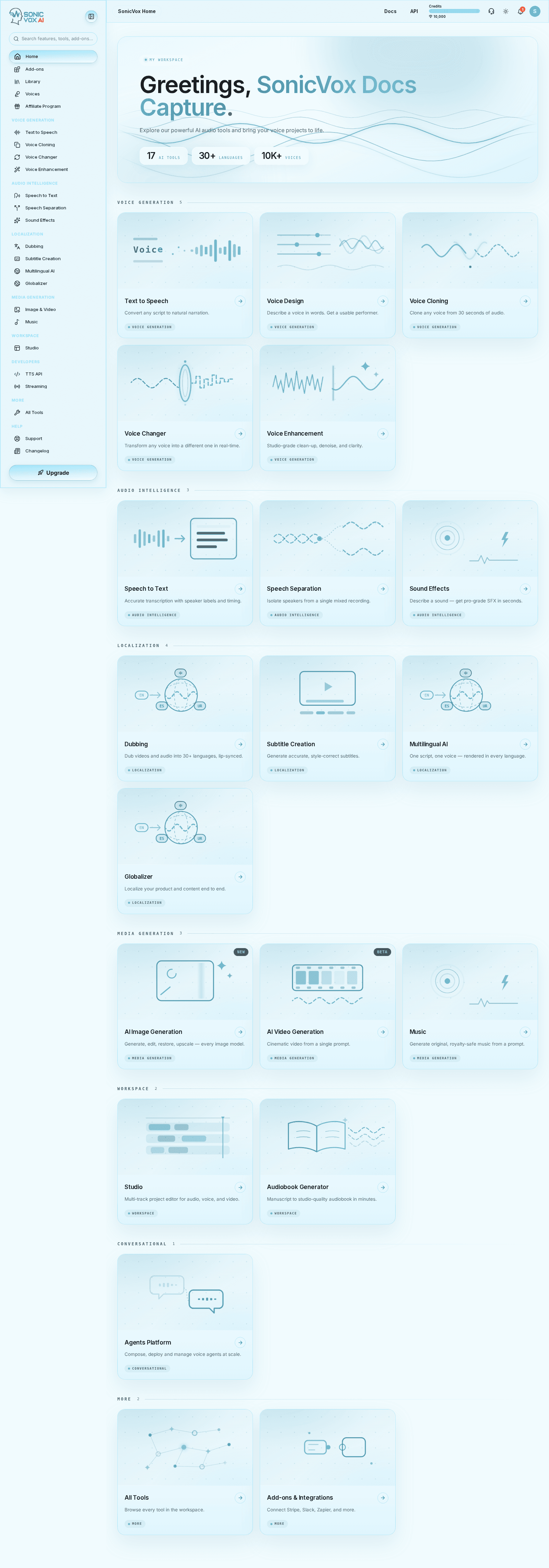
SonicVox is a comprehensive AI voice platform that offers:
- Voice Cloning - Clone any voice from a short audio sample
- Text-to-Speech - Convert text to natural-sounding speech
- Sound Effects - Generate custom sound effects from text descriptions
- Studio Editor - Multi-track audio editor for creating complete audio projects
- AI Agents - Build voice-enabled AI assistants
Quick Start
1. Create an account
Sign up at sonicvox.ai with your email or Google account. Signing up with email asks you to confirm you are 18 or over and to pass a quick challenge.
2. Verify your email
We send a link the moment you sign up. Until you click it, every page in the app sends you back to the verification screen — so do this before anything else. Google sign-in skips this step.
3. Generate your first speech
Open Text to Speech, type or paste your script, pick a voice from the library, and click Generate Speech. Nothing to set up first: the library ships with thousands of voices you can use immediately.
4. Download it
Use the download button on the result. You get an MP3 by default; choose WAV or FLAC from the format menu if you need a lossless master.
5. Clone your own voice — Starter plan and above
Open Voice Cloning, drop in a clean recording of the voice you want, name it, and enter a line for it to speak. Voice cloning is not available on the Free plan; you will see an upgrade prompt instead. Everything above works on Free.
Credits System
SonicVox uses a credit-based system. Every price below is the rate the platform actually charges — the app always shows you the exact cost of a job before you confirm it, and the API returns it in the X-Credits-Charged header.
- New users: the Free plan includes 10,000 credits, refreshed every month
- Text-to-Speech: 100 credits per 100 characters (rounded up) — 1 credit per character
- Voice Cloning: 900 credits per cloned voice
- Sound Effects: 180 credits per generation
- Speech-to-Text & Subtitles: 300 credits per audio minute
- Voice Enhancement: 900 credits per audio minute (1-minute minimum)
- Dubbing: 1,800 credits per minute of source video
Building on the API? POST /api/v1/text-to-speech/estimate prices a request for free without synthesizing anything, and GET /api/v1/account/api-limits returns the live per-endpoint credit table for your plan.
Getting Help
- Once you are signed in, the Talk to SonicVox button in the app navbar answers questions
about the product directly
- Email support: support@sonicvox.ai
- Check our FAQ section for common questions