URL to Speech
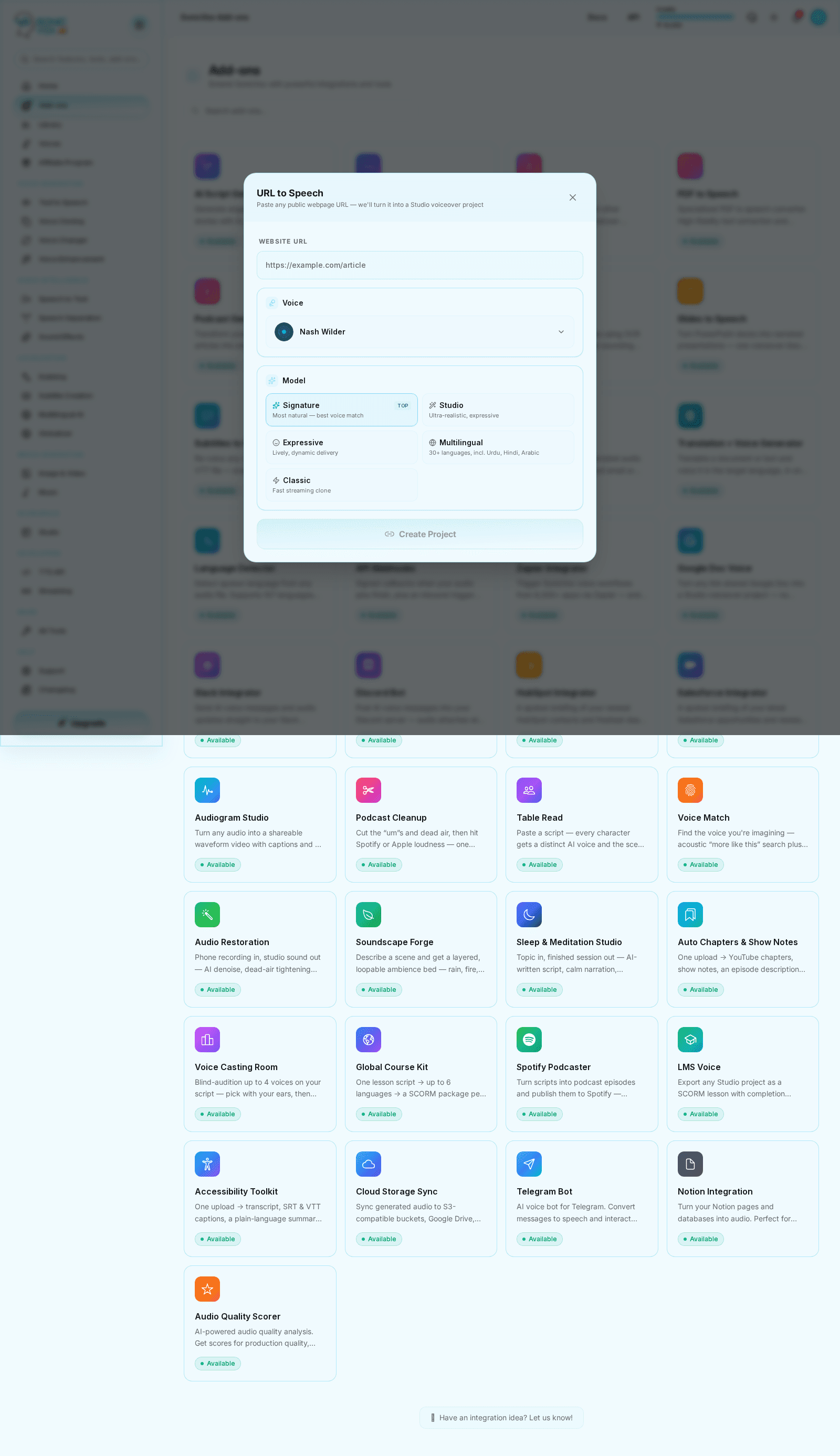
Fetch supported web content and turn it into audio in one flow.
What it looks like
Overview
URL to Speech is the ingestion shortcut for articles and other accessible URLs that need to become listenable assets quickly. **What works well.** Pages whose value is in their prose: blog posts and news articles, documentation and knowledge-base pages, press releases, newsletters, research summaries, and long-form essays. If you would happily read the page top to bottom, it will listen well. **What does not.** Pages built from interface rather than prose — dashboards, pricing tables, app screens, search results, product grids, and social feeds. These extract as disconnected labels and numbers, so the audio is a list of fragments rather than something you can follow. The page you are reading now is a good example of a poor candidate: it is mostly headings, tables and UI copy. **Also unsupported:** pages behind a login or paywall, and content that is primarily video or images — we can only read the text we can fetch.
Quickstart
Paste the URL
Provide the source page you want to convert.
Review extracted text
Check the fetched content before generation.
Generate speech
Render the spoken version and reuse it downstream.