Dubbing
Create dubbed outputs by combining translation, voice generation, and timing-aware delivery.
1,800 credits per minute of source video — A 10-minute video costs 18,000 credits.
- The most expensive thing on the platform — check the length before you submit.
- Paid plans include dubbing minutes; credits are only spent once those are used up.
- Not available on the Free plan.
What it looks like
Listen
Every clip below is the same sentence, generated by SonicVox — so what changes between them is the voice, not the writing.
“SonicVox turns your script into natural speech — with the pacing, emphasis, and character you would expect from a studio recording.”
Emma Carter — English
A neutral English read, the kind most narration and product walkthroughs start from.
Marcus Grand — English
A deeper English delivery — the same sentence, so you are comparing voice rather than writing.
So-young Kim — Korean voice
A non-English voice reading the same line, to hear accent carry across the identical script.
Speech engines
Five engines, one API. Pick by what the job needs — the closest voice match, the widest language coverage, or the lowest latency.
Signature
DefaultMost natural — best voice match
Our flagship engine. The most natural-sounding speech with the closest match to your selected voice. Best for narration, ads, and any premium read in 10 major languages.
- Languages
- 10
- Cloned voices
- Yes
- Streaming
- No
en, zh, ja, ko, de, fr, ru, pt, es, it
Studio
Ultra-realistic, expressive
Our newest studio-grade engine — ultra-realistic clones with an expressiveness dial, in 23 languages. Great when you want maximum realism and a touch of drama.
- Languages
- 23
- Cloned voices
- Yes
- Streaming
- No
ar, da, de, el, en, es, fi, fr, he, hi, it, ja, ko, ms, nl, no, pl, pt, ru, sv, sw, tr, zh
Expressive
Lively, dynamic delivery
An expressive engine with naturally dynamic intonation and pacing — a characterful alternative to Signature for narration and dramatic reads. Multilingual.
- Languages
- 16
- Cloned voices
- Yes
- Streaming
- No
- Emotion
- Yes
de, el, en, es, fi, fr, hu, it, ja, ko, nl, pl, pt, ru, tr, zh
Multilingual
30+ languages, incl. Urdu, Hindi, Arabic
The broadest language coverage — 30+ languages and dialects, including ones the other engines can't speak. Renders a designed voice from its written description rather than from a recording, so it can't reproduce a cloned voice. Best for global content.
- Languages
- 30+
- Cloned voices
- From a description
- Streaming
- No
Classic
Fast streaming clone
A fast, lightweight clone engine with low-latency streaming. Mirrors your reference's pacing. Best for quick drafts and real-time use.
- Languages
- 5
- Cloned voices
- Yes
- Streaming
- Yes
en, zh, ja, ko, yue
Key facts
- Streaming: Classic only
- The low-latency endpoints are backed by one engine; the others render a whole take before returning.
- Cloned voices: 4 of 5 engines
- An engine that renders from a written description cannot reproduce a recording-based clone.
Overview
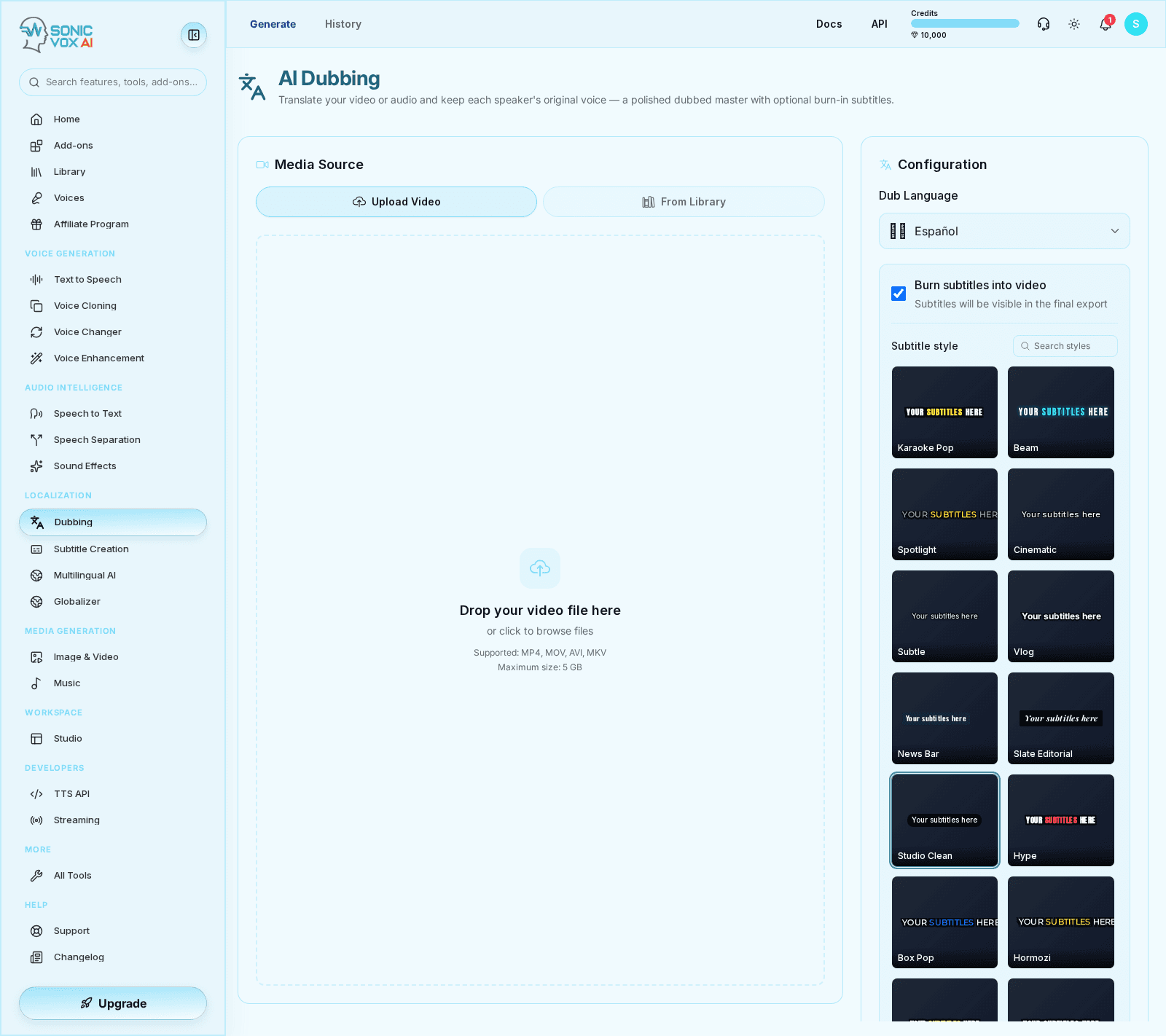
Dubbing is the workflow for replacing or adding spoken audio to existing media. It typically combines transcription, translation, voice generation, review, transcript export, and editable resource operations before final export.
Quickstart
Import the source
Start from the original media or transcript you want to dub.
Prepare language and voice choices
Select the target language and the destination voice or voice profile.
Generate dubbed output
Create the replacement speech and review sync, pacing, and intelligibility.
Best practices
- Use Studio when the dubbing job needs manual assembly or layered sound design.
- Check translated scripts for sentence length before generation to avoid pacing issues.
FAQs
How accurate is the lip-sync?
There is no lip-sync. Dubbing replaces the audio track and leaves the original video frames untouched, so mouth movement still follows the source performance. It suits voice-over, narration, and talking-head content more than tight close-ups.
Does the dubbed voice sound like the original talent?
Yes. We clone the on-camera speaker's voice from the source audio and use that voice for every dubbed language. Audiences hear the same person.
Which video formats are supported?
MP4, MOV, AVI and MKV for video, plus audio-only MP3, WAV, FLAC and M4A. WebM works when you paste a remote video URL, but direct WebM uploads are rejected.
Can I review the translation before it renders?
After the first render, yes. The side-by-side editor opens once a job has produced a result: adjust the translated lines and re-render from there. There is no pre-render review step.
Are subtitles included?
Yes. Frame-accurate SRT/VTT in every dubbed language, plus optional burned-in subtitles in the rendered video.
How long does dubbing take?
Hours per video for typical pieces — same-day for shorts. Batch hundreds overnight.
Can I dub into multiple languages at once?
One language per run. Pick your dub language and render it, then add further languages one at a time from the job afterwards — each one renders separately.
Is consent required to use someone's voice?
Yes. The on-camera talent must have given written consent for their voice to be cloned and used in dubbed productions.