AI Agents Platform Guide
Build voice-enabled AI assistants that can handle phone calls and conversations.
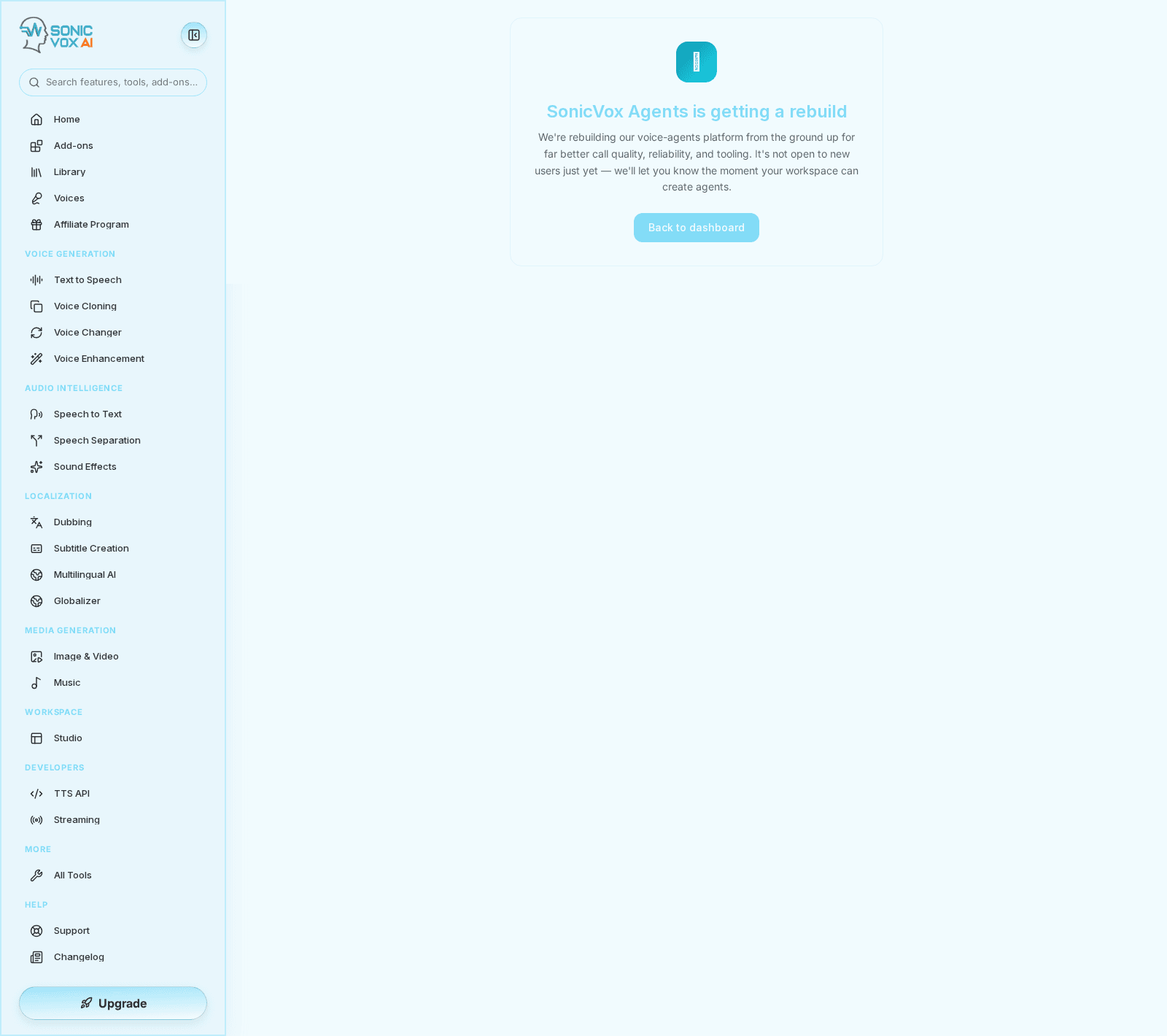
Invite only. Agents is closed to new users while the platform is rebuilt. Unless your workspace has been let in, opening Agents redirects to the waitlist page at
/app/agents-waitlist, which explains the rebuild and sends you back to the dashboard. There is no self-serve signup form — access is granted per workspace, so contact support from/app/supportif you want to be on the list. Everything below describes the product as it behaves once you have access.
What are AI Agents?
AI Agents are voice-enabled assistants that can:
- Answer phone calls
- Have natural conversations
- Access knowledge bases (RAG)
- Follow custom workflows
- Integrate with external services
Creating an Agent
Step 1: Create New Agent
Navigate to Agents → Create Agent
Step 2: Configure Basics
- Name - Agent identifier
- Description - What the agent does
- Greeting - First message to callers
Step 3: Select Voice
Choose from available voices or use a cloned voice.
Step 4: Set Personality
Write a system prompt defining:
- Agent's persona
- How to respond
- Knowledge boundaries
Knowledge Base (RAG)
Add documents to teach your agent:
- Go to Knowledge tab
- Upload PDF, DOCX, or TXT files
- Wait for indexing
- Agent will reference these during conversations
Deployment
Start Agent
Click Deploy on the agent page to make it live. The same button pauses the agent again once it is active.
Connect Phone Number
Assign a phone number to receive calls.
Test
Use the Test Call feature to verify behavior.
Features
| Feature | Description |
|---|---|
| Real-time transcription | Live conversation text |
| Call recording | Audio logs for review |
| Analytics | Call duration, success rate |
| Webhooks | Integration events |
Configuration Options
- Interruption Sensitivity - How easily users can interrupt
- Response Length - Concise, balanced, or detailed
- Escalation Triggers - Keywords for human handoff
- Prohibited Topics - Topics to avoid
Best Practices
- Keep greetings short - Users want quick responses
- Test different prompts - Iterate on personality
- Add FAQs to knowledge base - Common questions answered instantly
- Monitor call logs - Improve based on real conversations