Subtitle Creation
Generate subtitle files and transcript-ready timing data from your source media.
300 credits per minute of source media
- Translating the subtitles into another language is charged separately.
What it looks like
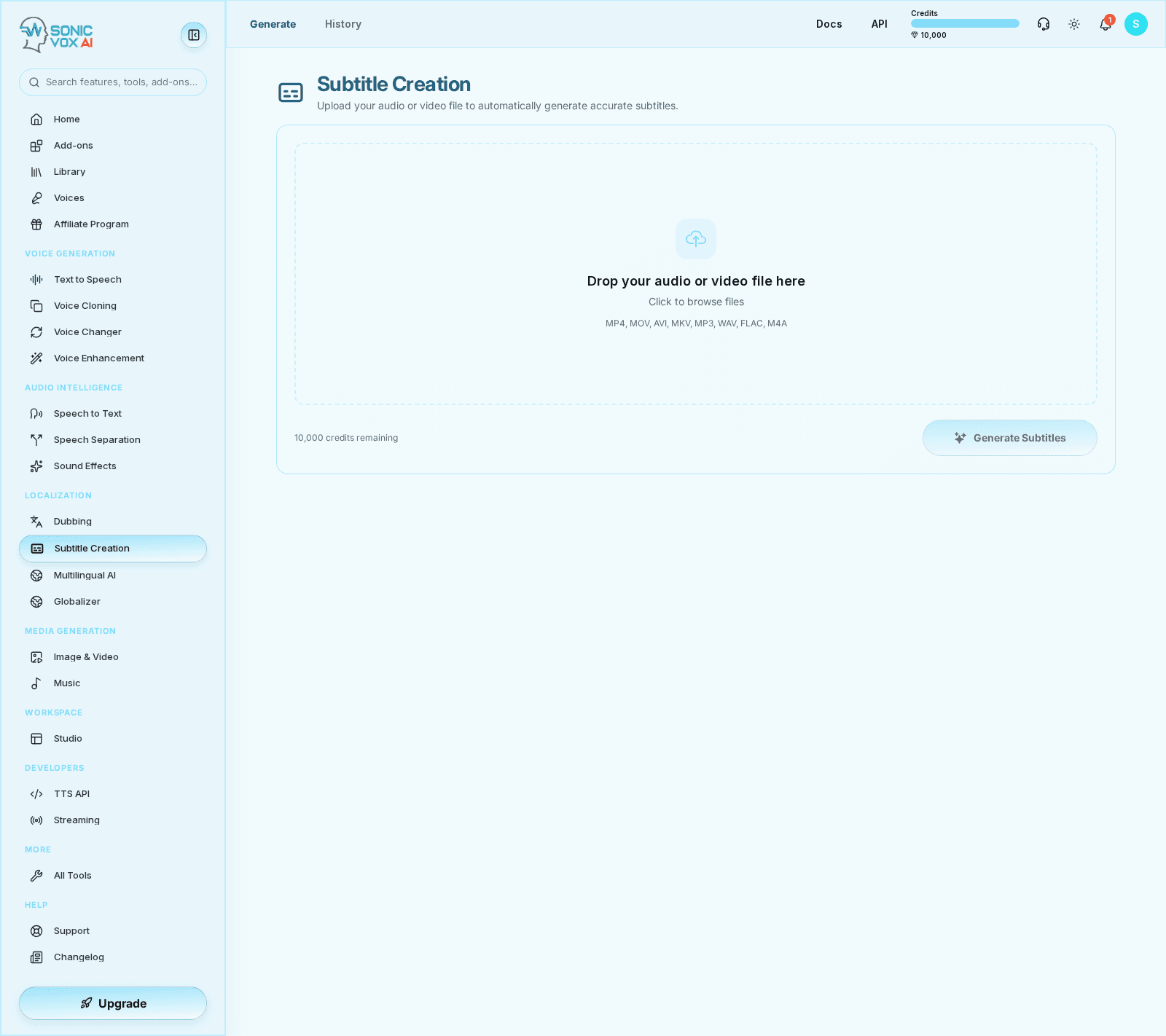
Overview
Subtitle Creation packages transcription and timed text workflows into a feature focused on delivery-ready captions. It is useful for creators who need portable subtitles without opening the full transcription editor first, while still exposing transcript exports, structured insights, and async callbacks for production integrations.
Quickstart
Add your media
Upload the audio or video source you want to caption.
Generate timing data
Run the caption workflow so segments and timings are produced automatically.
Review subtitles
Check wording, segmentation, and timing before export.
Export delivery files
Download the caption format required by your publishing workflow.
Best practices
- Review punctuation before exporting subtitles to video platforms.
- Use Subtitle Creation for fast deliverables and Speech to Text when you need deeper transcript editing.
FAQs
How accurate is the auto-captioning?
High transcription accuracy, with frame-accurate timing on common frame rates (24, 25, 29.97, 30, 60 fps).
Can I edit the subtitles after generation?
Yes. Side-by-side video and subtitle editor with hotkeys, search-replace, bulk timing nudges, speaker re-labeling, and version history.
Which formats can I export?
SRT, VTT, ASS, TTML, JSON — plus burned-in subtitles in the rendered MP4.
Does it support multiple languages at once?
Not in one pass. Subtitle Creation produces captions in the language spoken in your file. To ship other languages, run the file through Dubbing, which translates the transcript and can burn or attach translated subtitles.
Does it label speakers?
Yes. Automatic speaker diarization labels each caption with the right speaker, with manual re-labeling in the editor.
Which broadcast formats do you support?
SRT, VTT, ASS, TTML, and JSON, plus burned-in subtitles in the rendered MP4, with audit trails for editorial sign-off.
Can I batch a whole video library?
Not yet. The uploader takes one file per job, so a backlog goes through one video at a time. There is no bulk or CSV intake.
Is there an API?
Not directly. There is no public subtitle endpoint. The closest automated path is the Dubbing API, which returns the transcript and subtitle resources for a job.